
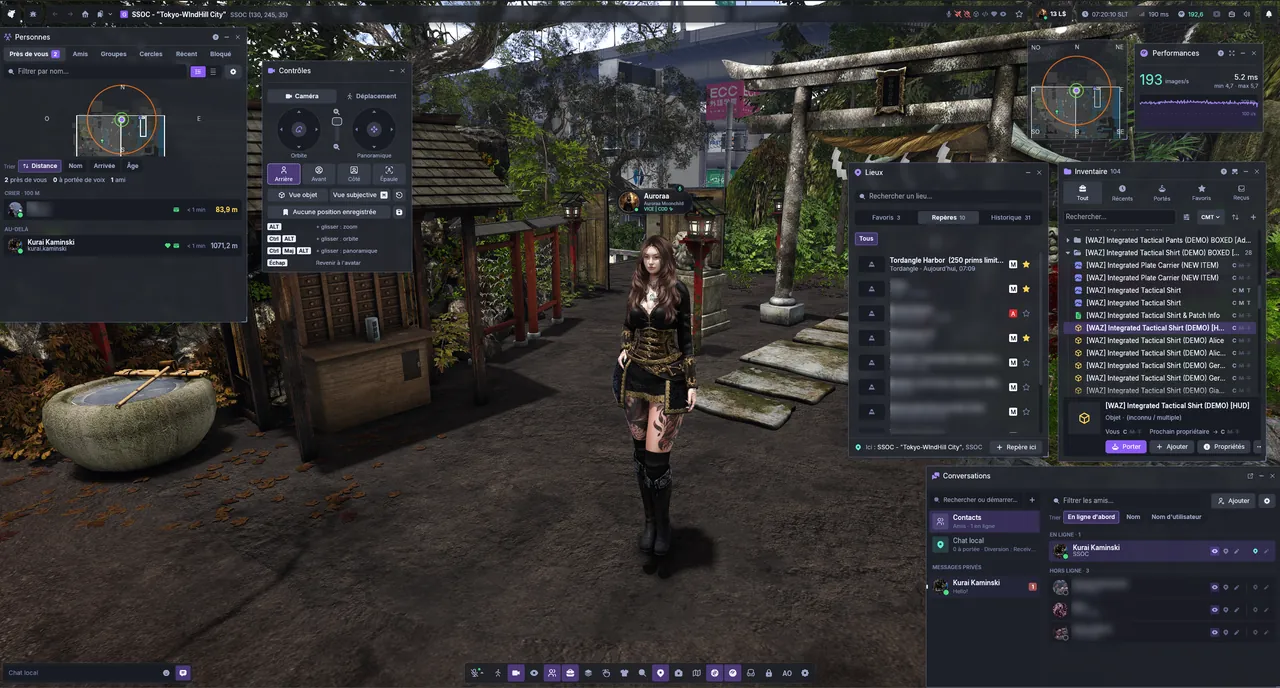
Home Download
Download Aurora Viewer
Choose your system. The download and the install steps follow.
Aurora Viewer for Windows
Aurora-Viewer-v0.9.4-windows-x64.zip · 76.5 MB
Install in three steps
Download the archive
Click Download .zip above. Nothing to install as an administrator.
Extract it
Right-click the file › Extract All…, into the folder of your choice.
Start the viewer
Double-click
aurora-viewer.exe.
If Windows shows “Windows protected your PC”
Click More info, then Run anyway. The releases are not code-signed yet: read our code signing policy.
Aurora Viewer for Linux
Aurora-Viewer-v0.9.4-linux-x64.tar.gz · 79.7 MB
Install in three steps
-
Install the system packages
Vulkan, sound and windowing, plus GStreamer and the browser libraries for web pages and video.
sudo pacman -S --needed vulkan-icd-loader alsa-lib libxkbcommon wayland libx11 libxcursor libxrandr libxi \
  gstreamer gst-plugins-base gst-plugins-good gst-plugins-bad gst-plugins-ugly gst-libav \
  nss nspr at-spi2-core libcups libxcomposite libxdamage mesa pango cairo
sudo apt install libvulkan1 libasound2t64 libxkbcommon0 libwayland-client0 libx11-6 libxcursor1 libxrandr2 libxi6 \ gstreamer1.0-plugins-base gstreamer1.0-plugins-good gstreamer1.0-plugins-bad gstreamer1.0-plugins-ugly gstreamer1.0-libav \ libnss3 libatk-bridge2.0-0t64 libcups2t64 libxcomposite1 libxdamage1 libgbm1 libpango-1.0-0 libcairo2Plus your card’s Vulkan driver if it is missing:
vulkan-radeon,vulkan-intel,mesa-vulkan-driversor the NVIDIA driver. -
Check and extract
Put the archive and its
.sha256file in the same folder, then:sha256sum -c Aurora-Viewer-v0.9.4-linux-x64.tar.gz.sha256 tar -xzf Aurora-Viewer-v0.9.4-linux-x64.tar.gz -
Start the viewer
cd Aurora-Viewer-v0.9.4-linux-x64
./aurora-viewer
To add it to your desktop’s menu with its icon, follow the desktop entry steps.
Aurora Viewer for macOS
Aurora-Viewer-v0.9.4-macos-arm64.dmg · 76.5 MB
Install in three steps
Open the disk image
Double-click the
.dmgin the Finder: a window shows Aurora Viewer next to your Applications folder.Drag it into Applications
Drag Aurora Viewer onto Applications, then eject the disk image.
Start the viewer
Open Aurora Viewer from Applications or the Launchpad.
If macOS cannot check the application
Click Done, open System Settings › Privacy & Security, scroll down and click Open Anyway. macOS remembers the choice. Or, in the Terminal:
xattr -dr com.apple.quarantine "/Applications/Aurora Viewer.app"